

WordPress WhatsApp Floating Chat Widget
ChatWordpress Plugin
For when you need a customizable WhatsApp chat button without writing any code or fighting with theme styles.
$10
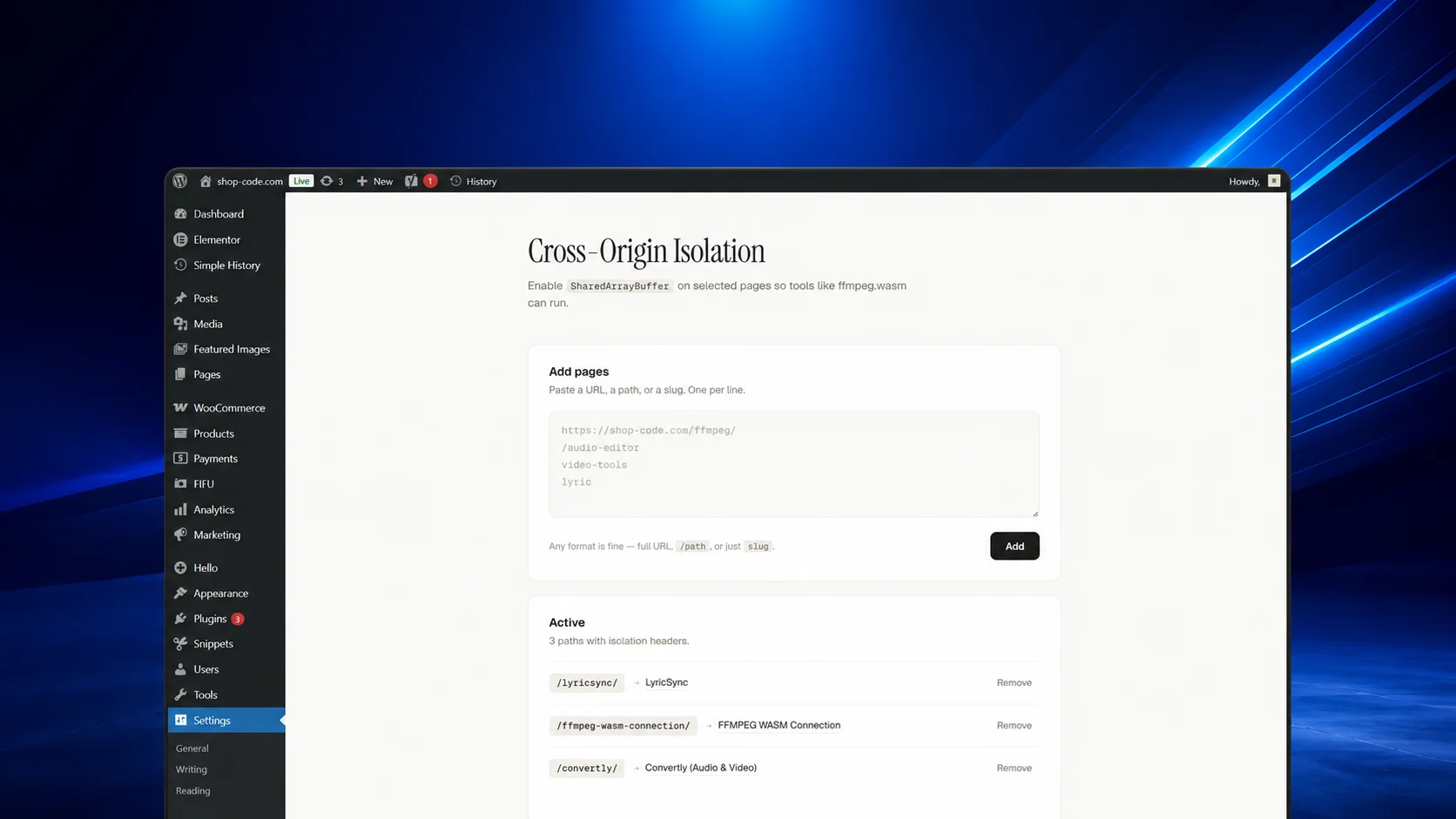
Cross-Origin Isolation for WordPress is a plugin that adds security headers to selected pages. It sets Cross-Origin-Opener-Policy and Cross-Origin-Embedder-Policy headers, allowing tools like ffmpeg.wasm that rely on SharedArrayBuffer to function correctly.
The plugin provides an admin settings page where you can add URLs or paths to enable isolation. It supports two embedder policy modes: Compatible (credentialless) for broad compatibility, and Strict (require-corp) for maximum security. You can also enable headers site-wide with a toggle.
This plugin is for developers and site owners who need to run WebAssembly-based applications that require SharedArrayBuffer, such as video editors, audio tools, or other performance-critical web apps. It is designed to be simple to configure and integrates seamlessly with WordPress.
Only for WordPress. It works with Convertly and other audio & video products.
1. Install it on your WordPress website(s).
2. Paste the URL of the page you want to allow for cross-origin isolation, or apply it to all pages.
3. Modifying: Buy this code, download the file, then open it in your favorite IDE, terminal, or AI coding assistant. Ask it to rename, restyle, or extend the code to match your brand. Once modified, the code is 100% yours—use it on your own sites, ship it inside your own products, or resell it. No attribution required, no usage limits, no recurring fees.
For when you need a customizable WhatsApp chat button without writing any code or fighting with theme styles.
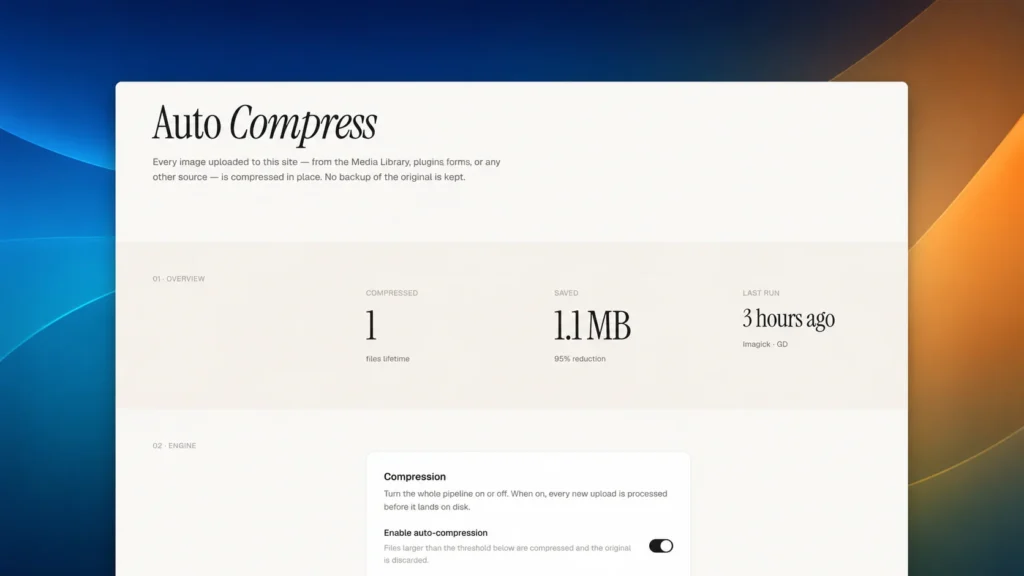
A WordPress plugin that compresses every uploaded image in place, with no backups kept and sensible defaults out…
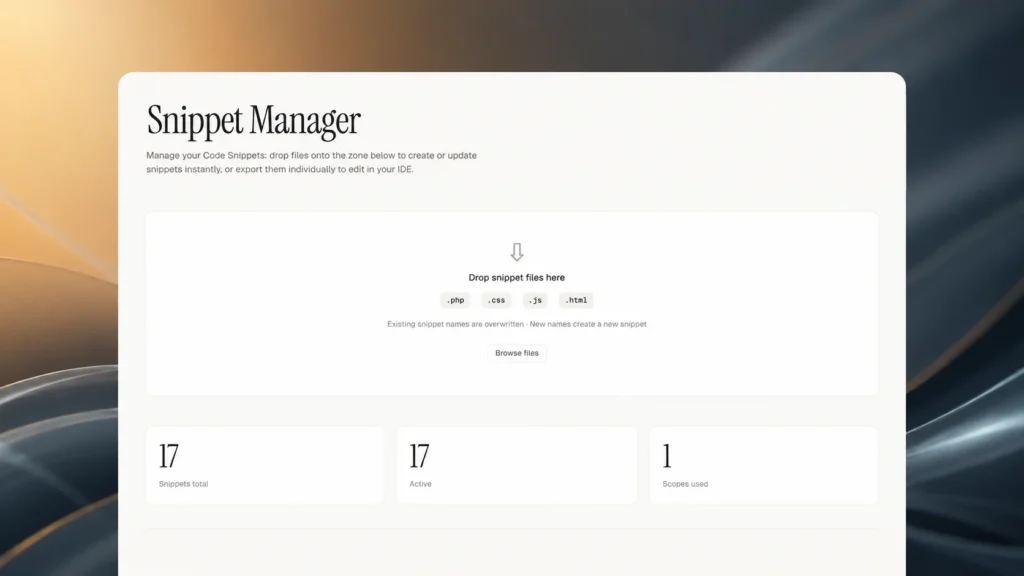
Export, edit, and reimport code snippets via drag-and-drop, with automatic backups.
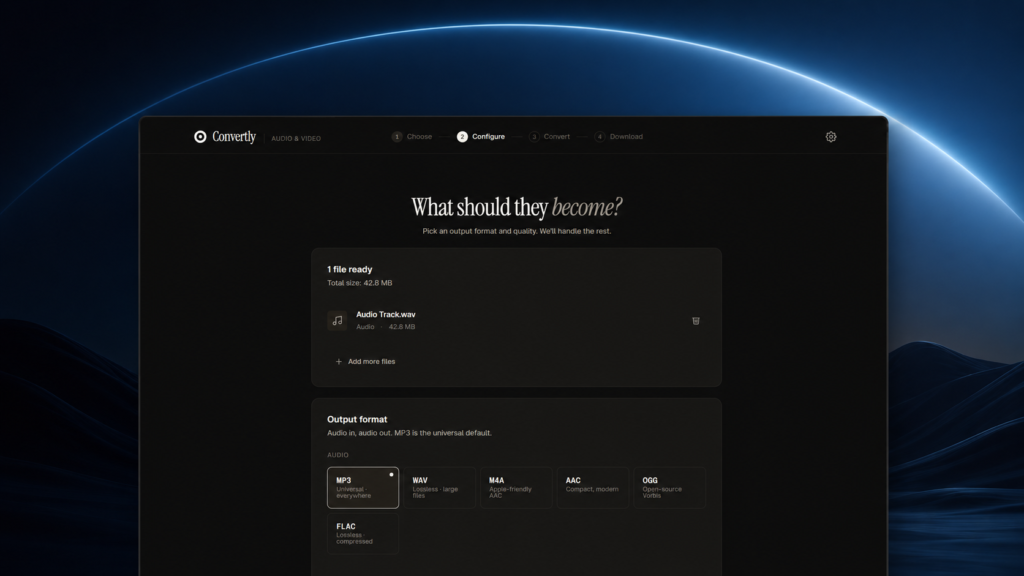
Convertly is a browser-based audio and video converter that runs entirely locally using FFmpeg.wasm, ensuring privacy.