

WordPress WhatsApp Floating Chat Widget
ChatWordpress Plugin
For when you need a customizable WhatsApp chat button without writing any code or fighting with theme styles.
$10
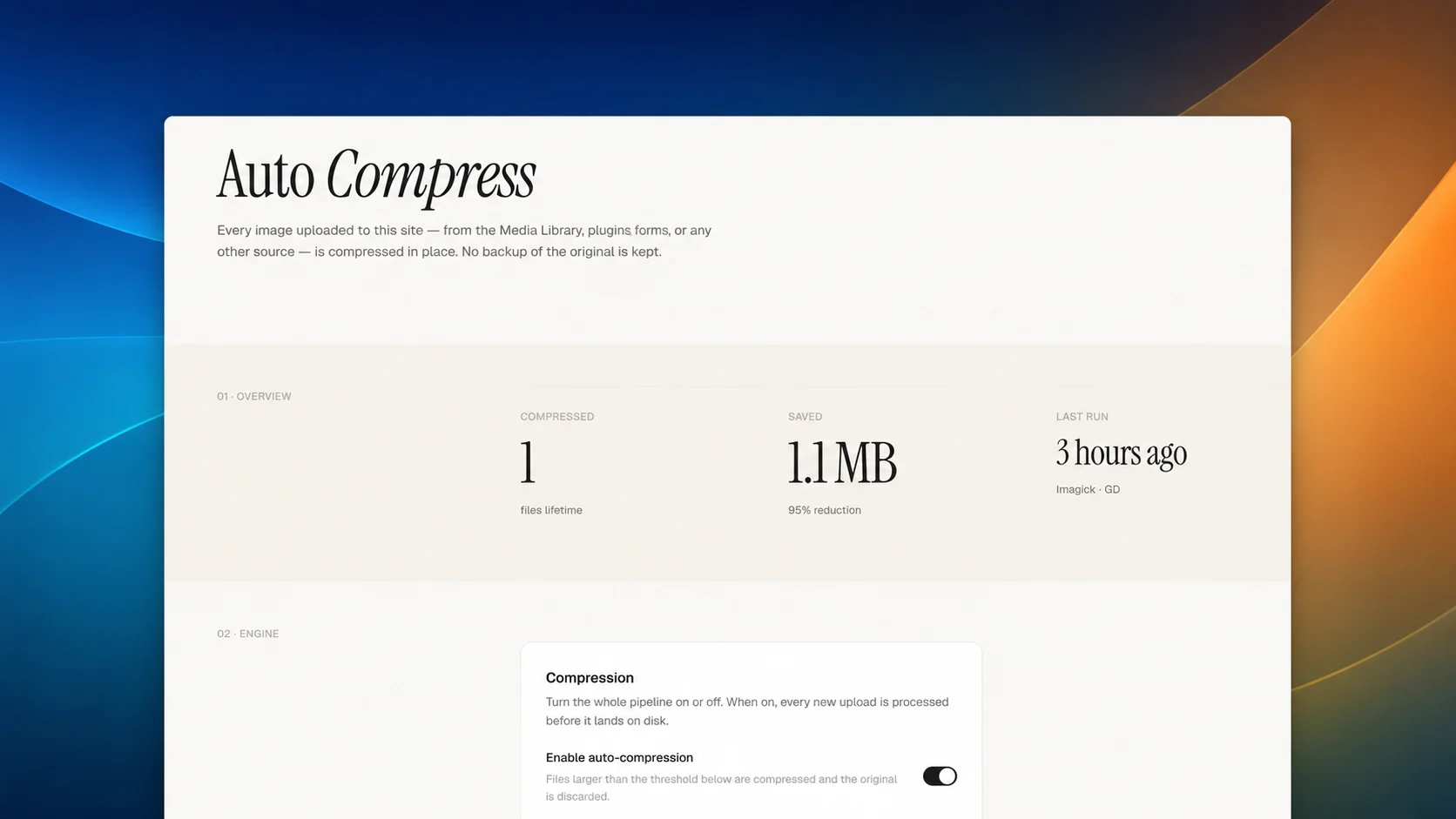
WP Auto Compress is a small WordPress plugin that takes care of image weight at the moment of upload. By default it converts new images to WebP at 80% quality and caps the long edge at 1920 pixels, preserving aspect ratio. The output format, quality, resize limit, and a minimum-size threshold are all configurable from a single settings page under Settings → Auto Compress. After each upload, a dismissible admin notice reports how many files were processed and how much was saved, with a per-file breakdown of before and after sizes and dimensions.
How it works: The plugin hooks into the core WordPress upload pipeline, so it catches every file written through wp_handle_upload and wp_handle_sideload — Media Library, form plugins, REST clients, and sideloads alike. When a supported image arrives, it is read by the available image library (Imagick or GD), resized if it exceeds the configured long-edge limit, re-encoded in the chosen format at the chosen quality, and saved back to disk. The original file is then deleted. Animated GIFs are detected and skipped to preserve animation, and a running counter of lifetime files and bytes saved is kept on the settings page.
Who it is for: WP Auto Compress is for site owners, freelancers, and small agencies who want predictable image weight without thinking about it after each upload, and without the storage overhead or licensing costs of services that keep backups of every original. It assumes you already have an offsite backup of your site and prefer a one-time configuration over a queue of pending optimisations. It is well suited to content-heavy WordPress sites, client work where editors upload phone photos directly into posts, and anyone migrating off a heavier optimisation plugin who wants a quieter default.
A WordPress site.
How to modify: Buy the code, download the file, and open it in your favorite IDE, terminal, or AI coding assistant. Ask it to rename, restyle, or extend the code to match your brand. Once modified, the code is 100% yours—use it on your own sites, ship it in your own products, or resell it. No attribution required, no usage limits, and no recurring fees.
For when you need a customizable WhatsApp chat button without writing any code or fighting with theme styles.
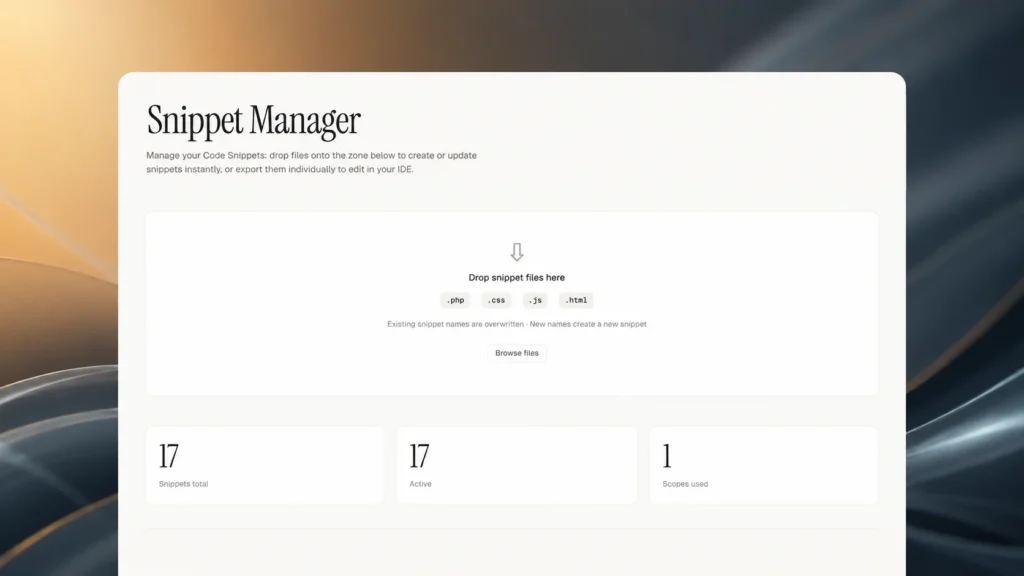
Export, edit, and reimport code snippets via drag-and-drop, with automatic backups.
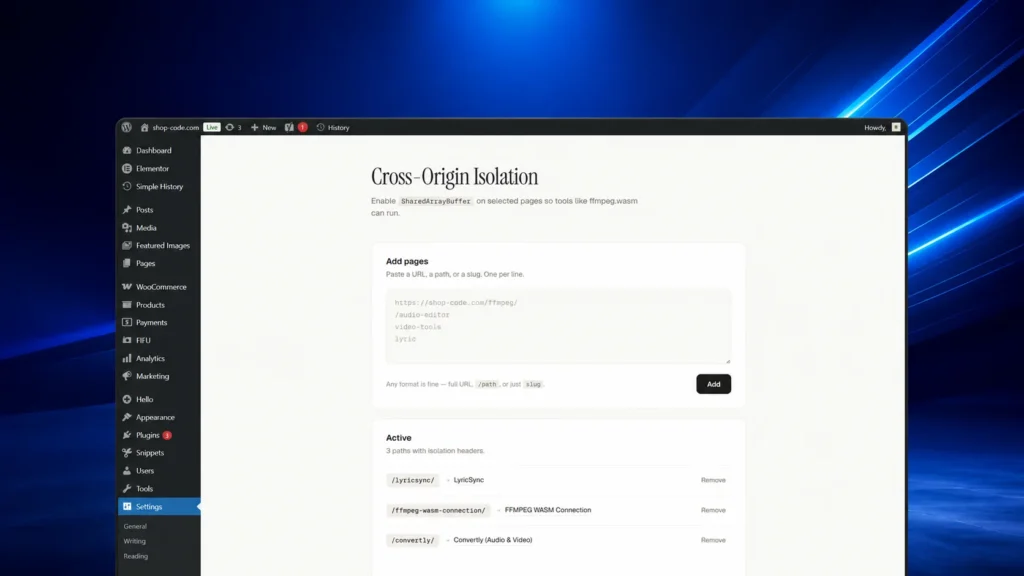
Sends Cross-Origin-Opener-Policy and Cross-Origin-Embedder-Policy headers on selected pages to enable SharedArrayBuffer-based tools.
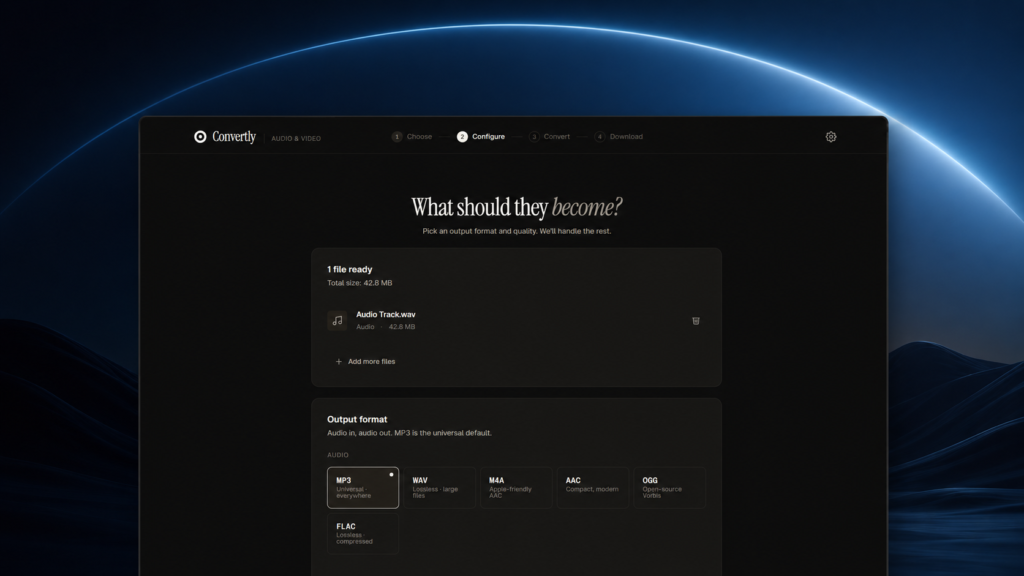
Convertly is a browser-based audio and video converter that runs entirely locally using FFmpeg.wasm, ensuring privacy.