

WordPress WhatsApp Floating Chat Widget
ChatWordpress Plugin
For when you need a customizable WhatsApp chat button without writing any code or fighting with theme styles.
$10
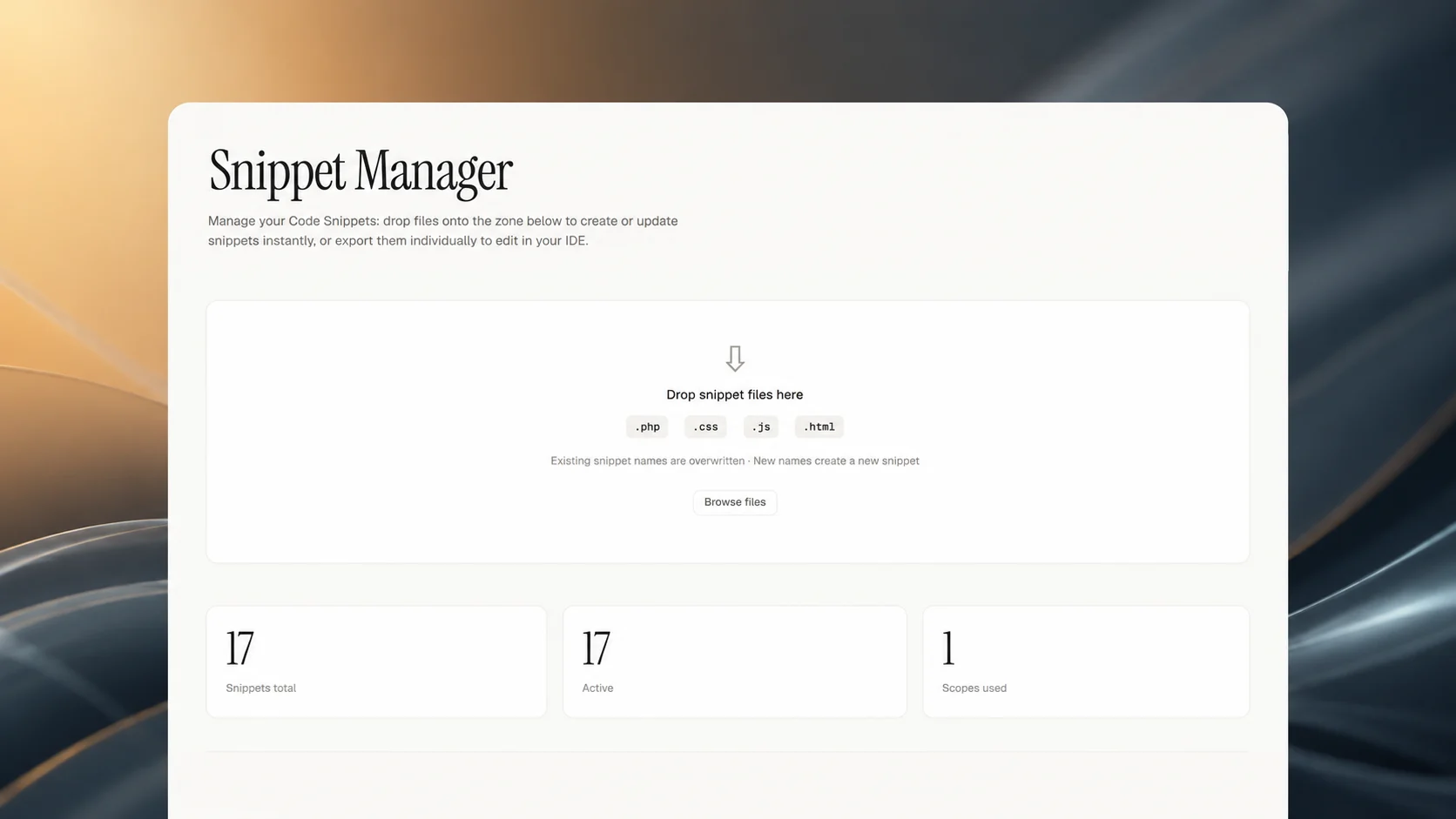
Snippet Manager is a WordPress plugin that extends the Code Snippets plugin by enabling bulk export and import of snippets as individual files in a ZIP archive. It allows you to work on your snippets in your preferred IDE or text editor, then sync changes back to your site. The plugin handles file parsing, scope detection, and conflict resolution without writing to the database until you approve the changes.
When you export snippets, each one becomes a separate file named after the snippet with the appropriate extension (PHP, CSS, JS, or HTML). Importing a ZIP file triggers a review screen that shows exactly what will be created, updated, or deleted. A backup of your current snippets is automatically created before any changes are applied, and you can manually download or delete backups from the plugin's admin page.
This tool is designed for developers and site administrators who manage many Code Snippets and need a reliable way to edit them outside WordPress. It is ideal for teams using version control, for migrating snippets between environments, or for anyone who prefers working with files over the WordPress admin interface.
1. WordPress site
2. The popular Code Snippets plugin. View plugin.
How to modify: Buy the code, download the file, and open it in your favorite IDE, terminal, or AI coding assistant. Ask it to rename, restyle, or extend the code to match your brand. Once modified, the code is 100% yours—use it on your own sites, ship it in your own products, or resell it. No attribution required, no usage limits, and no recurring fees.
For when you need a customizable WhatsApp chat button without writing any code or fighting with theme styles.
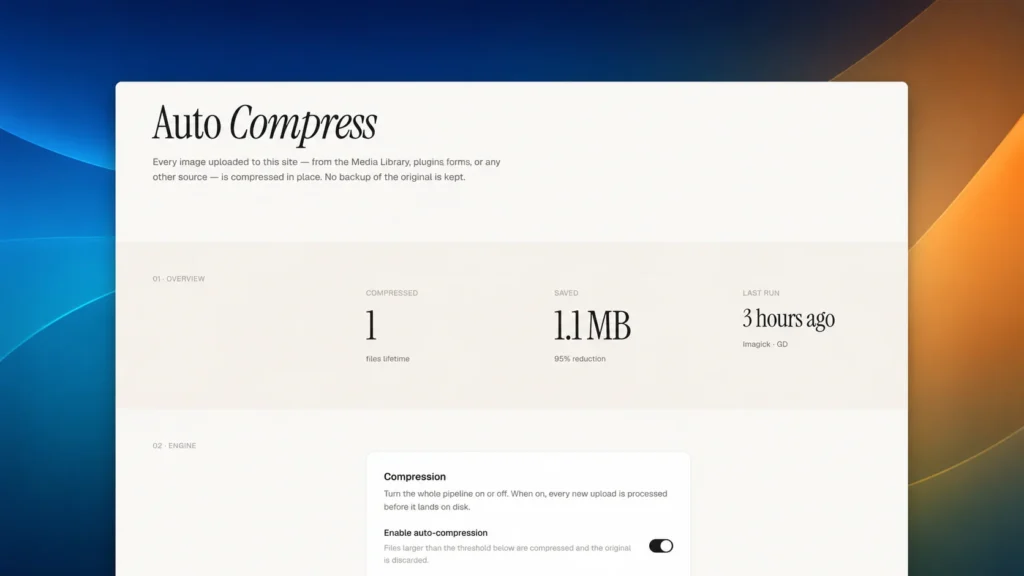
A WordPress plugin that compresses every uploaded image in place, with no backups kept and sensible defaults out…
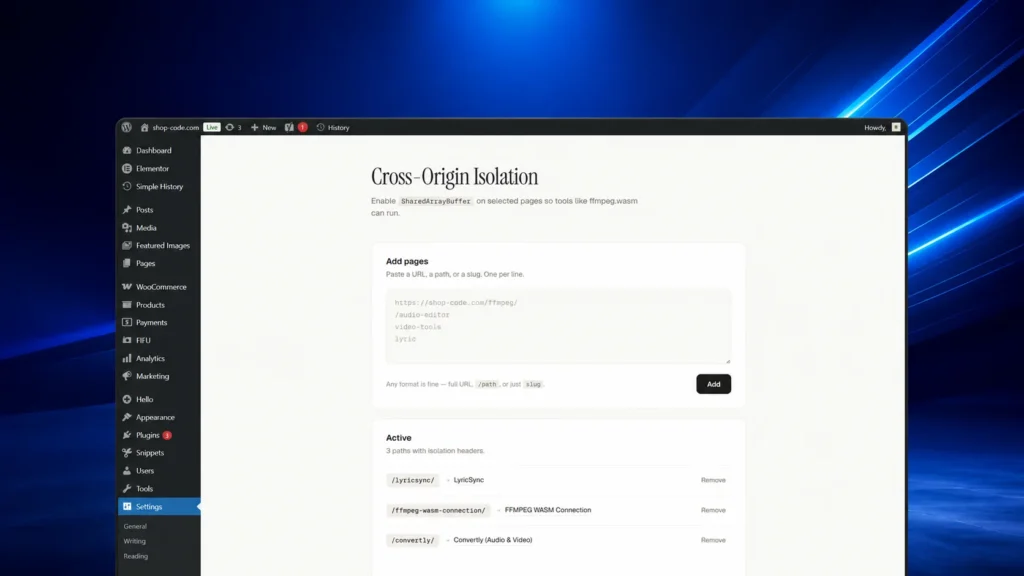
Sends Cross-Origin-Opener-Policy and Cross-Origin-Embedder-Policy headers on selected pages to enable SharedArrayBuffer-based tools.
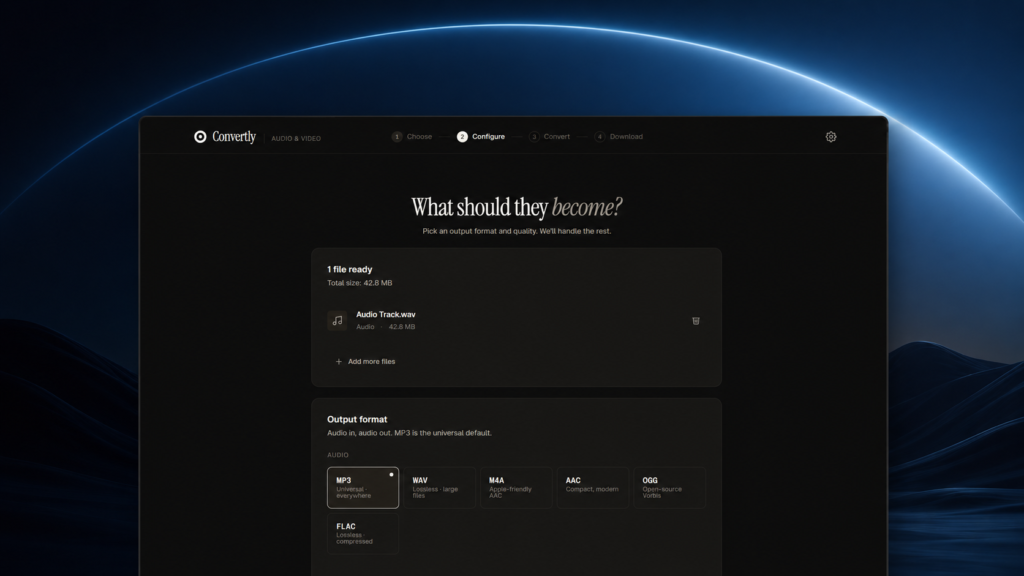
Convertly is a browser-based audio and video converter that runs entirely locally using FFmpeg.wasm, ensuring privacy.