
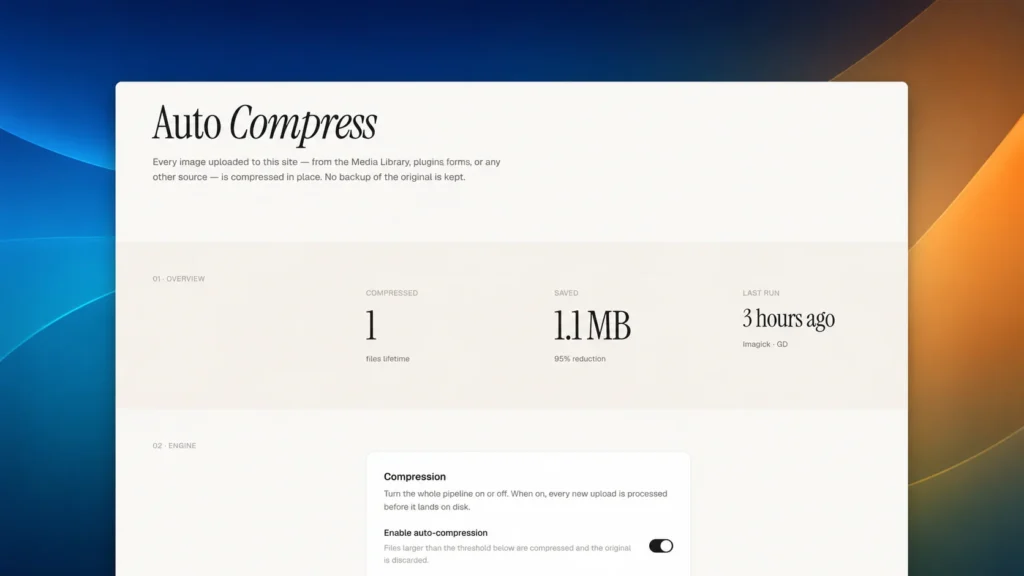
WP Auto Compress
Wordpress PluginImage
A WordPress plugin that compresses every uploaded image in place, with no backups kept and sensible defaults out…
$10

You've spent an hour trying to get a WhatsApp button to sit in the right corner, only to have it break when you switch themes or a plugin update overwrites your custom CSS. The client wants the chat card to match their brand colors, show a team photo, and maybe auto-open after a few seconds — but every solution you find is either a bloated page builder add-on or a barebones shortcode that looks like it was built in 2010. You need a drop-in plugin that handles all the common requests out of the box and stays out of your way when you don't need it.
This plugin adds a floating WhatsApp button to your WordPress site with a full settings panel tucked under Settings → WhatsApp Chat. It handles the phone number, pre-filled message, agent name, avatar, chat card text, custom links, social icons, light/dark theme, colors for the button and accent, notification badge with multiple styles and hide timing, pulse and icon animations, font selection, position offsets (separate for desktop and mobile), z-index control, device visibility, show delay, auto-open delay, and page-level visibility rules (all pages, homepage only, or specific URLs). All CSS uses !important to survive Elementor and other page builders. No shortcodes, no widgets — just activate and configure.
You reach for this when you're building a business site that needs live chat access, but you don't want the overhead of a full live chat service. It's for the developer who needs to deliver a working WhatsApp contact point in under five minutes, with enough settings to satisfy client requests without writing a single line of custom CSS. If you're comfortable editing a PHP file to change the phone number, this isn't for you. If you want a clean admin UI and a widget that respects your theme but doesn't depend on it, this is exactly what you're looking for.
WordPress website.
How to modify: Buy the code, download the file, and open it in your favorite IDE, terminal, or AI coding assistant. Ask it to rename, restyle, or extend the code to match your brand. Once modified, the code is 100% yours—use it on your own sites, ship it in your own products, or resell it. No attribution required, no usage limits, and no recurring fees.
A WordPress plugin that compresses every uploaded image in place, with no backups kept and sensible defaults out…
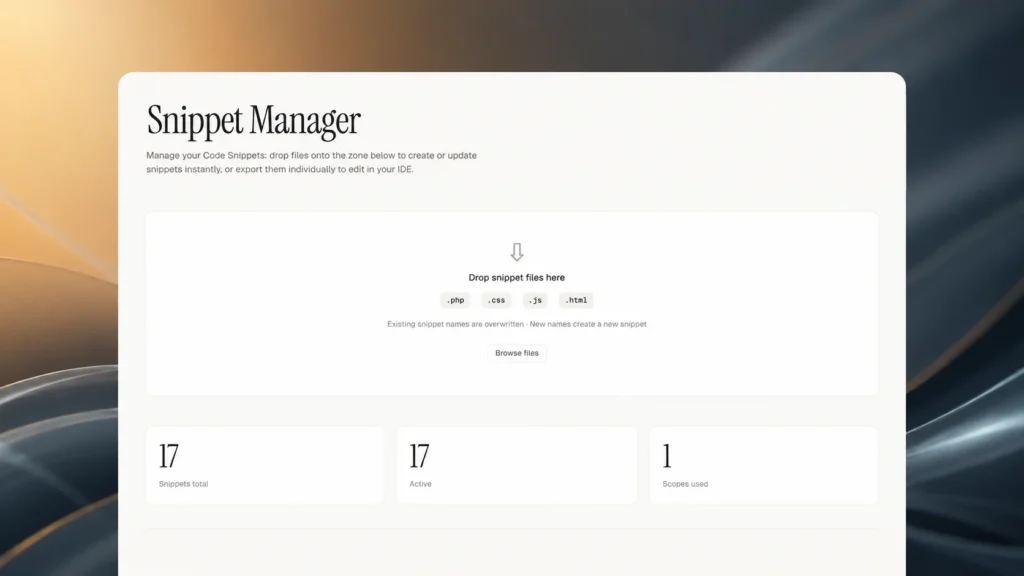
Export, edit, and reimport code snippets via drag-and-drop, with automatic backups.
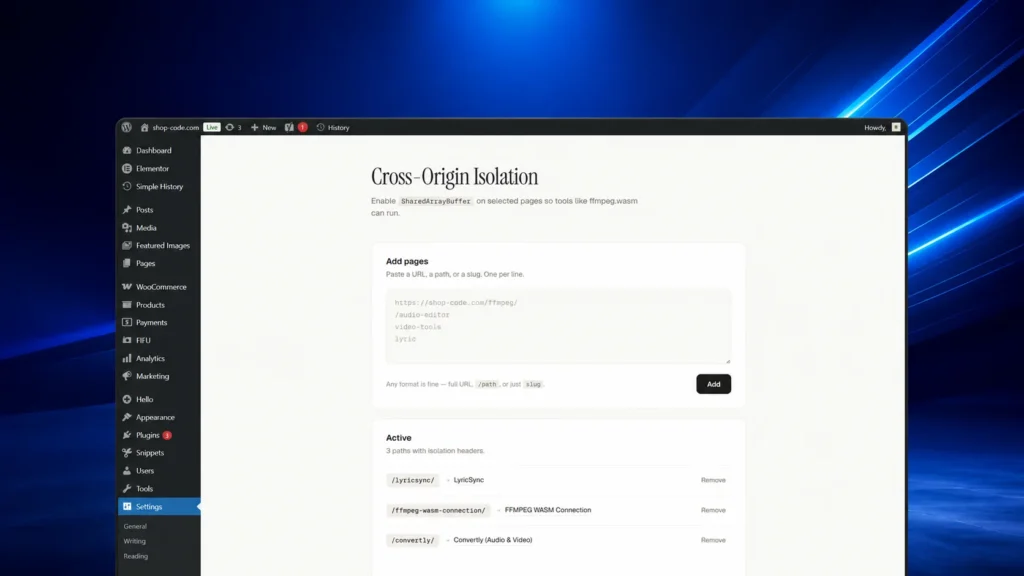
Sends Cross-Origin-Opener-Policy and Cross-Origin-Embedder-Policy headers on selected pages to enable SharedArrayBuffer-based tools.
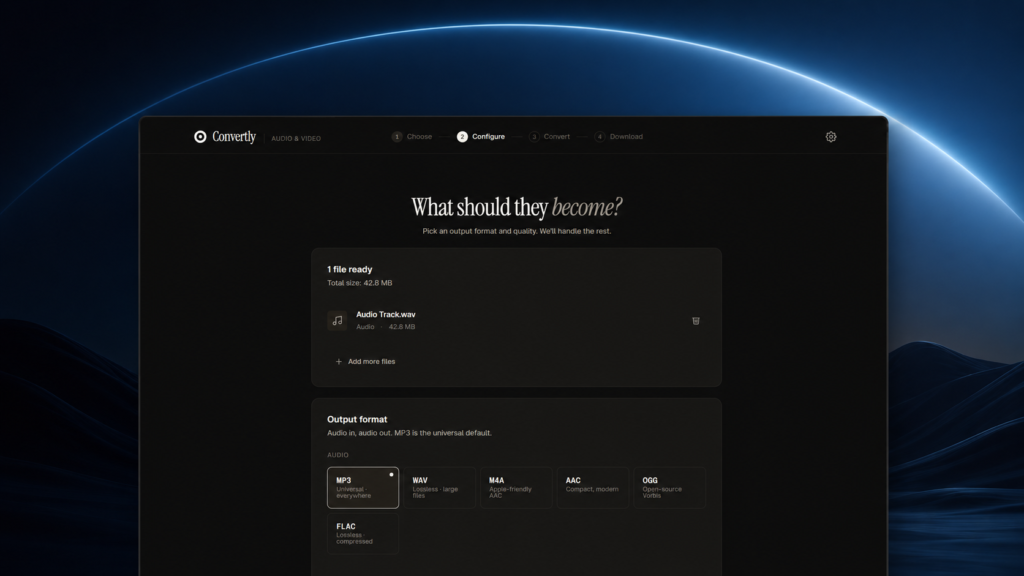
Convertly is a browser-based audio and video converter that runs entirely locally using FFmpeg.wasm, ensuring privacy.